OSHA/ANSI Tags





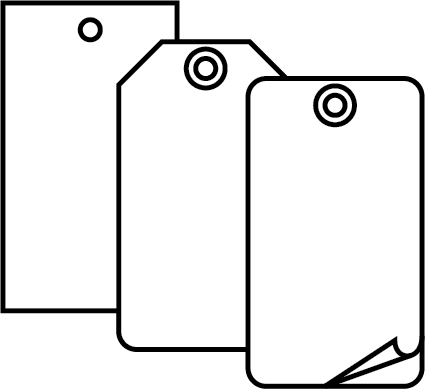

Select Size and Material
Select a material option from the dropdown.
Select a size option from the dropdown.
Header
Click the image below to select a header.
Front Header

Click on a header below to select.












Back Header
Select Back Header
Click on a back header below to select.
Front background
Click the image below to select a background.
Current Selection

Click on a Front background below to select.












Back background
Click the image below to select a background for the back.
Current Selection
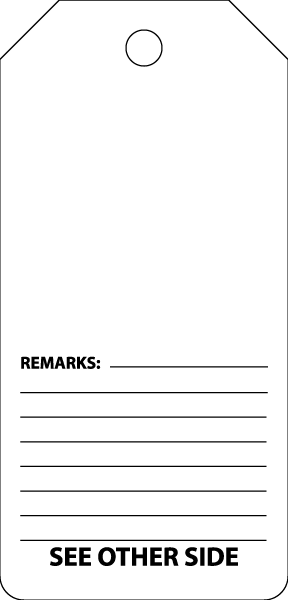
CLICK TO SELECT BACK BACKGROUND
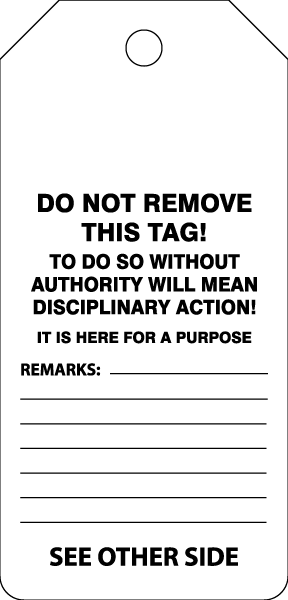
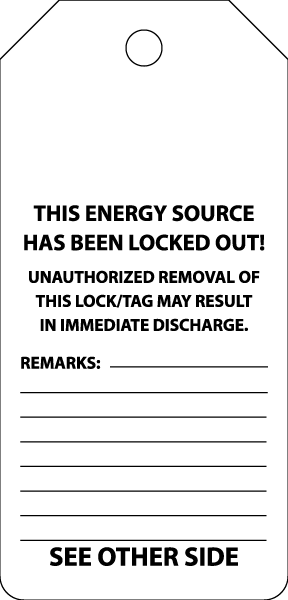
Click on a back background below to select.
Enter Text
First Line
Second Line
Enter Back Text
NOTE: This text will only be added when selecting a back background with designated space for custom text.
First Line
Second Line
Select a Pictorial
Click the image below to select a pictorial.
- ---Select to Filter---
- Admittance & Exit
- Directional Arrows
- Chemical & Hazardous Material
- Confined Space
- Electrical Hazard
- First Aid & Emergency Care
- Explosives/Explosions
- Eye, Face & Head Protection
- Flammable, Fire Hazard & Fire Equipment
- Foot/Hand Protection
- Ear & Hearing Protection
- Hot/Hot Surface
- Hygiene, Housekeeping & Recycling
- Lockout - Tagout
- Machinery, Equipment Hazard
- Miscellaneous
- Target Organs
- Personal Protection Clothing
- Radiation, Biohazard
- Respiratory Protection
- Slips, Trips & Falls
- Traffic Industrial
- Traffic Roadway
Click on a pictorial below to select.

































































.png)

.png)






































_neg.png)

























































































































































































































































































































































































































































































































































































































































































Finishing Options
Select a grommet option from the dropdown.
Select a сorner option from the dropdown.
Add Special Instructions
Add notes in the box below regarding your design, if needed.
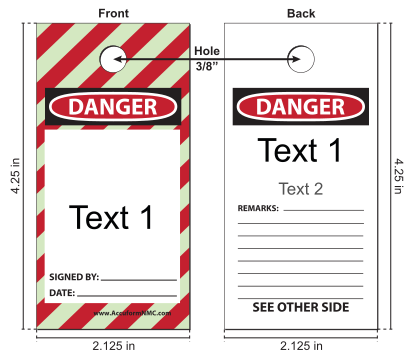
Email Proof
Enter your email and click Send below to send an email with a proof of this image.
Enter your email and check the consent box to enable this button.
You may unsubscribe at any time.
I understand by submitting my contact information, I am providing that personal information to the Justrite Safety Group and they may use this information for the purposes which it was provided, order-related communications, data processing and/or maintaining my account information and to communicate with me. I may receive company communications from the Justrite Safety Group related to their products, industry information, and safety updates. For more information about how we collect and use personal information, review our privacy policy .